
The organiser manages
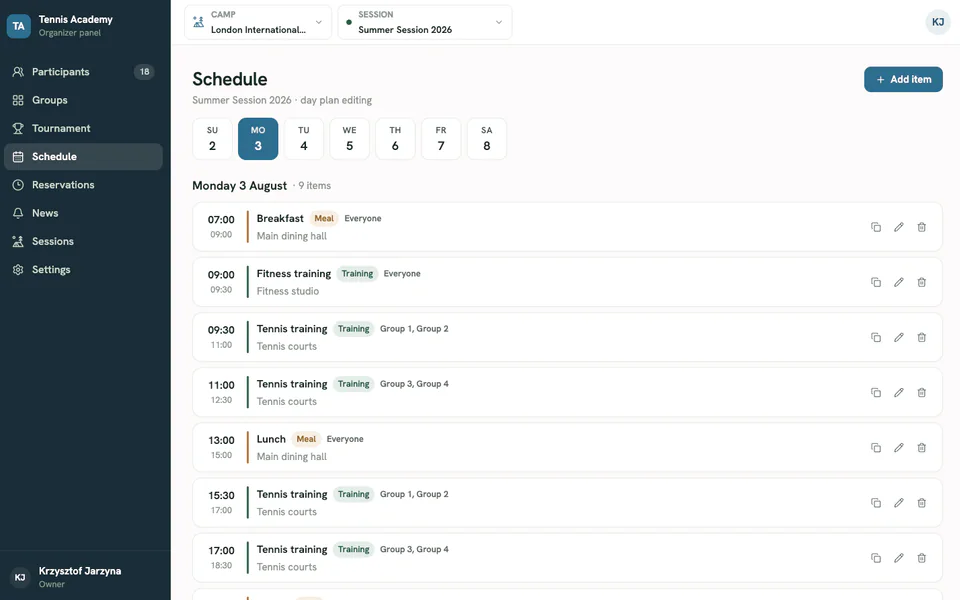
Sets up the camp, builds the schedule and publishes the information people need.
Your camp operations hub
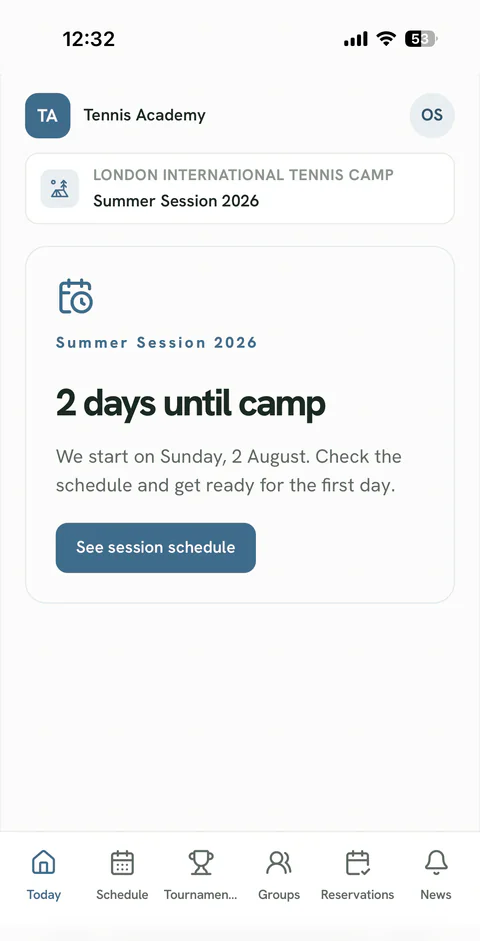
Camp Tempo connects the organiser panel with a mobile participant app. Schedules, groups, updates, reservations and tournaments are always in one place.
Less relaying. More doing.
When schedules, groups and updates are scattered across spreadsheets and chats, organisers repeat the same information. Camp Tempo creates a single, up-to-date source of reliable information for the entire camp.
Sets up the camp, builds the schedule and publishes the information people need.
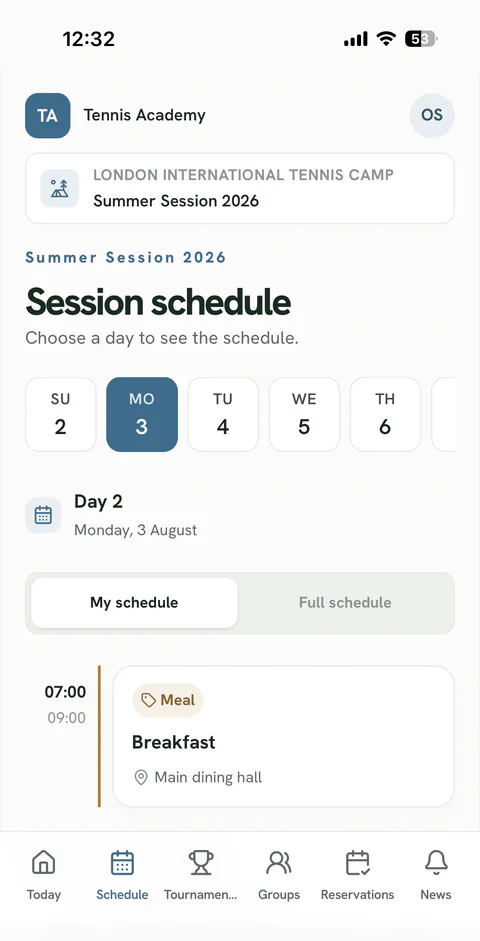
Sees their own day, group and latest changes on their phone.
Everyone uses the same, always up-to-date information.
One system. Two apps.
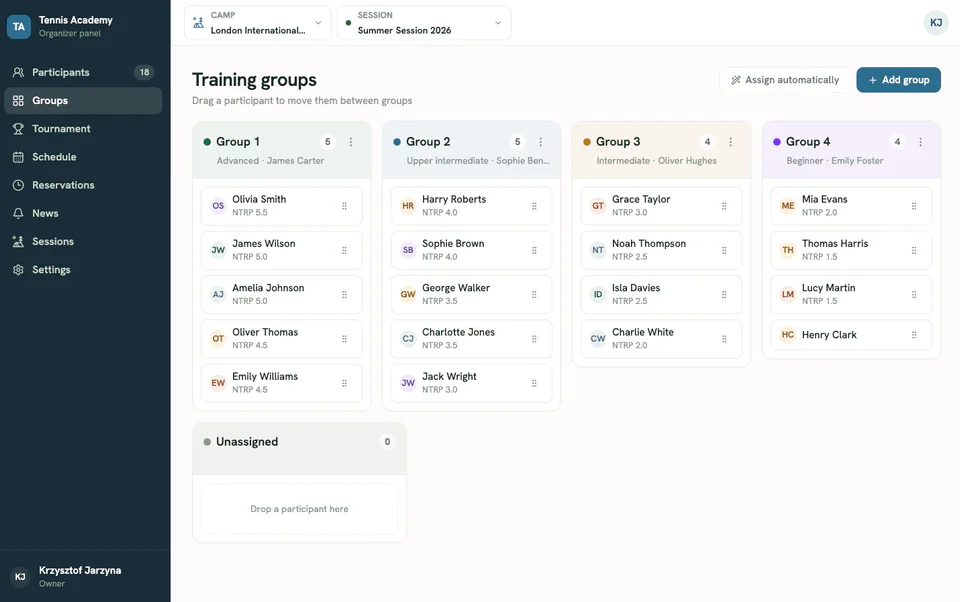
The organiser gets the full picture, while each participant sees exactly what matters for their day.
Organiser panel
Participant app
Everything you need to run a camp
Camp Tempo brings every part of your work into one coherent schedule instead of adding yet another collection of separate tools.
Build the camp schedule, assign groups and publish changes in one place.
Keep rosters, training packages and the most important organisational details in order.
Send important updates to everyone or to selected groups exactly when they are needed.
Offer participants available court and facility slots without maintaining extra lists.
Manage entries, draws, match schedules, brackets and results within the same camp.
Add your logo, name and brand colour while keeping Camp Tempo clear and easy to use.
How it works
We start the rollout by analysing how you already run your camps — without turning the whole process upside down.
Let's talk about your campAdd dates, participants, groups and the programme.
Everyone receives access to the right camp.
Publish changes, updates, reservations and tournaments.
Who it is for
Camp Tempo works for both recurring camps run by one organiser and sports academies arranging trips for many groups.
The organiser's logo, name and colour remain visible to participants.
Pricing that matches your scale
Start with a real camp. When you organise more, move to a package and keep costs predictable.
For a coach or organiser who wants to start with one camp.
Small
PLN 149net
Up to 12 participants
Standard
PLN 349net
Up to 50 participants
A lower cost per camp and one decision for the season.
Season
PLN 2,490/ 12 months
Up to 10 camps
Pro
PLN 4,490/ 12 months
Up to 25 camps
Business
PLN 5,990/ 12 months
Up to 40 camps
Each camp can include up to 50 people. A larger camp, multiple brands or integrations?
Let's talkFree demo
Tell us briefly how you run your camps. We will analyse the key data flows and decide together how Camp Tempo can support your operations.
Your data is safe. We will use them only to respond to your enquiry.
Frequently asked questions
You can pay for a single camp or choose a 12-month package. See the full pricing.
Camp Tempo was created with tennis camps in mind, but its core — camp programmes, groups, schedules, communication and reservations — can easily be used by other sports camps and academies as well.
No. The participant app works directly in a phone browser. It can also be added to the home screen, so participants can open it just like any other app.
Yes. The organiser can set their own name, logo and primary colour, visible to participants inside the app.
During a short demo, we learn how you run your camps and show the product using a realistic scenario. We then agree on the rollout scope together.